How Haptics works
Haptics SDK is a software that allows developers to design, test, and play haptic effects for game studios. The Audio-to-Haptics feature converts audio tracks into wideband haptics, with batch processing to handle entire sound libraries efficiently. Create next-gen haptic experiences for console controllers, XR devices, smartphones, and PC peripherals—all from a single streamlined workflow.
DESIGN
Haptic Composer
Professional tool for designing HD haptics. Convert audio into haptic effects, and fine-tune complex patterns with ease.
Audio to Haptics
Convert sound into haptic effects. With batch processing, you can transform entire audio libraries at once—eliminating repetitive work.
TEST
In-App Testing
Feel your effects instantly on DualSense™ and Razer Sensa HD Haptics, with faster playback controls for rapid iteration.
Haptics Player
Preview and compare haptic effects on iOS and Android in one click—now with smoother playback and faster file opening.
PLAY
Haptics Engine
High-fidelity haptic renderer for Console, Mobile, XR, and PC. Optimized for faster keyframe editing and melody operations.
Haptic SDK
Cross-platform SDK for Android, iOS, PlayStation®5, Xinput, OpenXR, and Meta Quest with smart performance handling.
Today's haptic problem is making scalable haptics that can be deployed to all major platforms without investing in verticalized development. The haptics producing and integration process has never been this simplified and accessible to the gaming community until now! Design for haptics not for the platform.
There are few approaches to start with creating haptics:
Converting Audio to Haptics
Creating haptic effects from scratch
Assemble and modify pre-authored haptic effects
The three methods can be applied simultaneously. They are different but complementary methods for creating a remarkable haptic experience.
Audio to haptic
Designing haptics can build directly on audio design, and when the two are combined, the result is an ultra-immersive gameplay experience.
Audio-to-haptics is the process of converting audio waveforms into haptic waveforms, transforming sound into tactile feedback that players can feel. With batch processing, developers can convert entire audio libraries at once, making the workflow faster and more efficient.
So how does it work?
Upload Audio file to
the Haptic Composer
Edit Haptic Effect
generated from audio
Upload Audio track to Haptic Composer
To implement haptics in your game, simply upload a sound effect or audio track into Haptic Composer. The tool automatically generates a matching haptic file, which you can use as-is or refine further.
For example, in a first-person shooter you might create haptics for a machine gun: emphasizing the sharp impact of each shot while reducing or excluding background noise from the haptic generation. This ensures players feel the action exactly as intended.
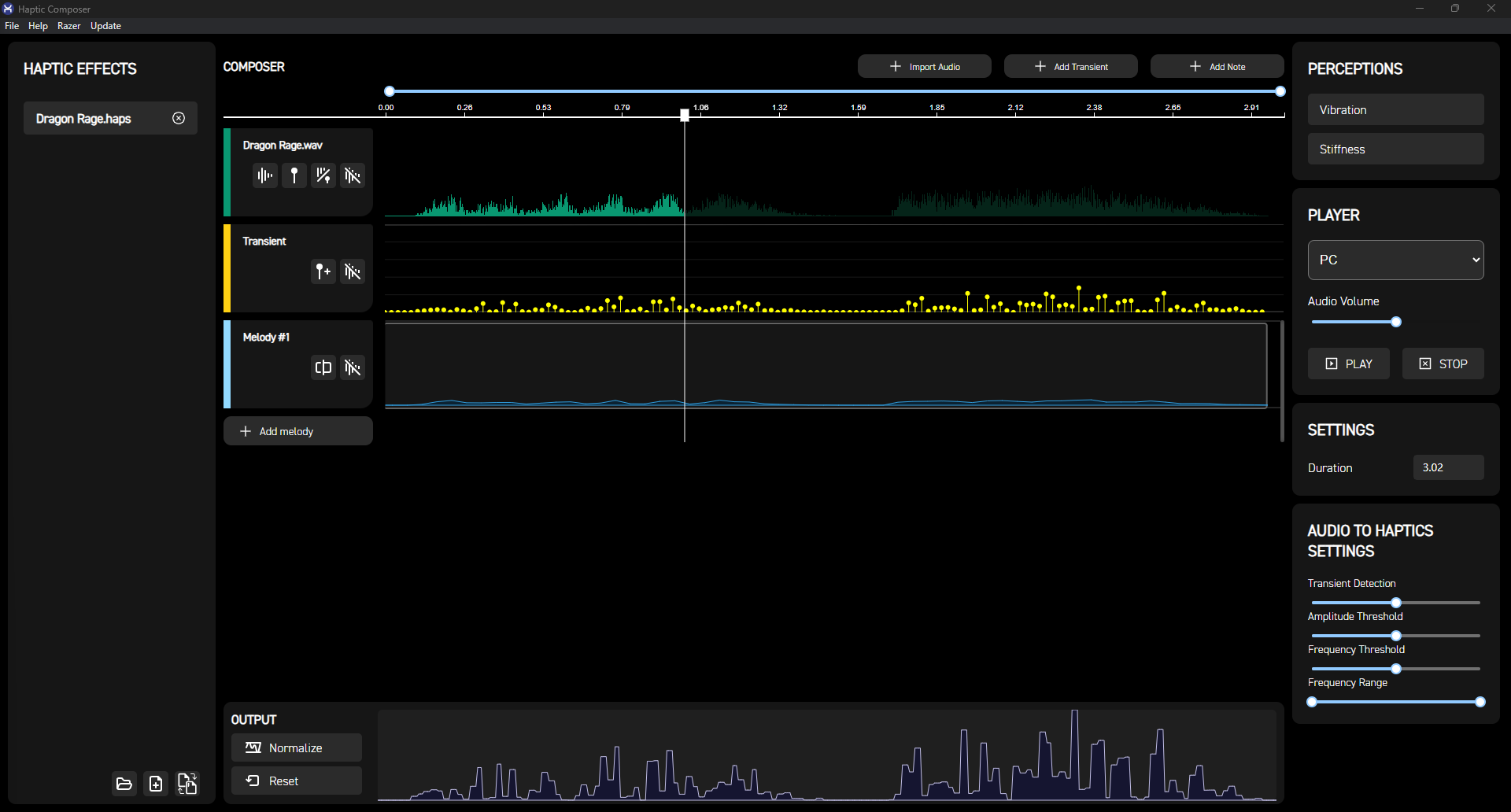
The Haptic Composer
Once the sample audio is uploaded, Haptic Composer takes over. It's a standalone graphical tool that enables developers and designers to convert, create, and refine haptic effects. The tool automatically extracts transients and generates a haptic melody from the audio file, with all extracted data fully customizable to fit your use case.
*With the click of a button, the audio file can be directly uploaded to the composer and automatically converted to a haptic effect. This conversion process takes a few seconds.
Edit Haptic Effects
With the automatic audio conversion to haptics done through the Haptics Engine, developers can instantly refine the effect by adjusting keyframes, transients, frequency, and amplitude modulation. This enables the creation of high-definition haptics that align seamlessly with a game's audio and visual effects, enhancing immersion and elevating the overall player experience.
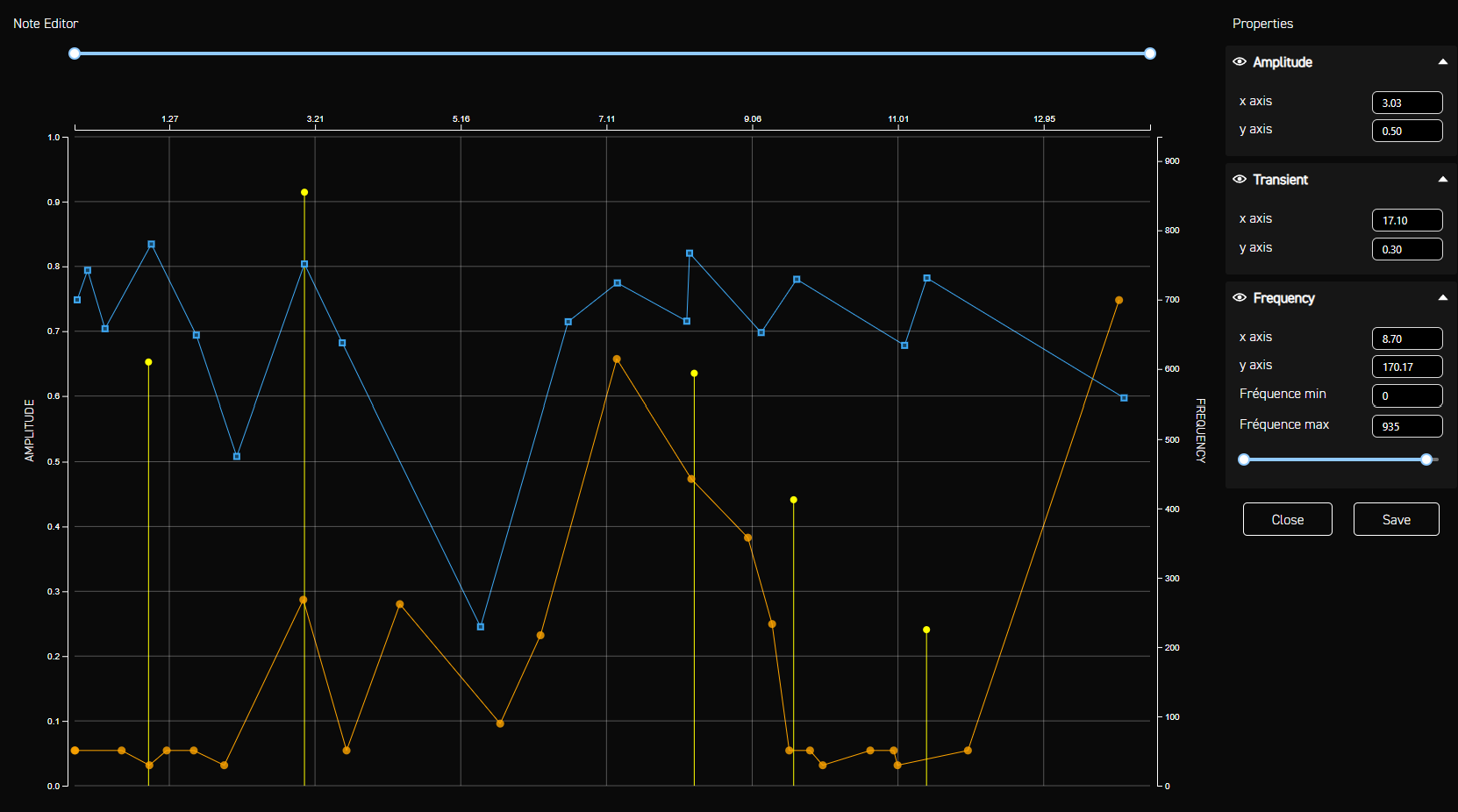
The best way to confirm the haptic effect and assess if the designed materials are best fit for the application is through real-time testing.
Test haptics in the Haptic Composer
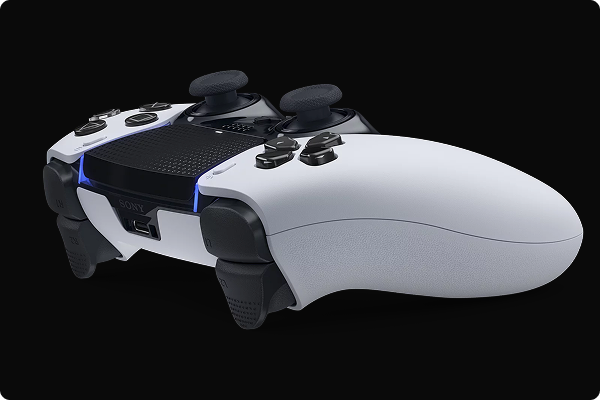
Create and test HD haptic effects in real-time with the Haptic Composer. Feel the effects instantly on the DualSense™ controller, which provides vibrotactile feedback and adaptive triggers.
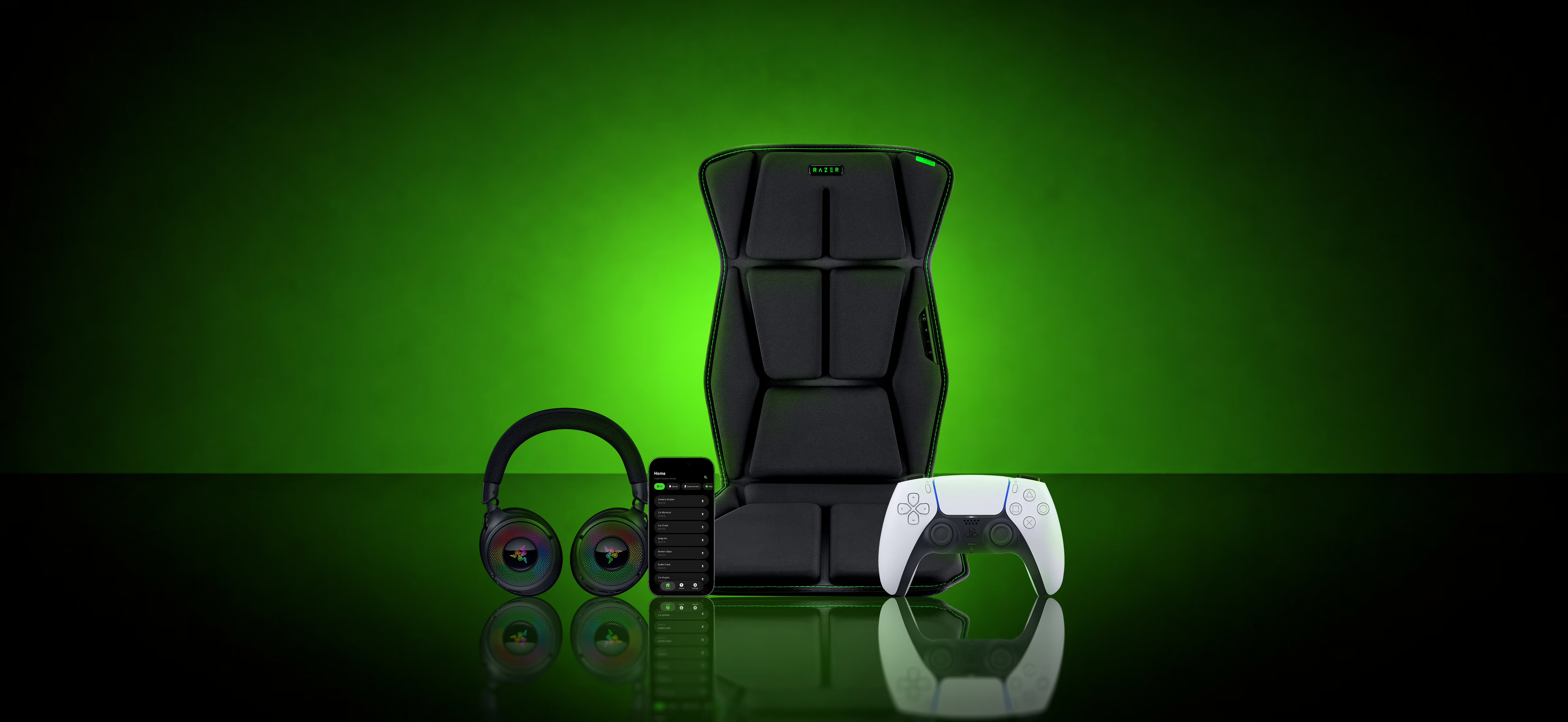
For immersive PC gaming, you can also test haptics instantly on the Razer Kraken V3 HyperSense.


Test haptic feedback with a mobile app
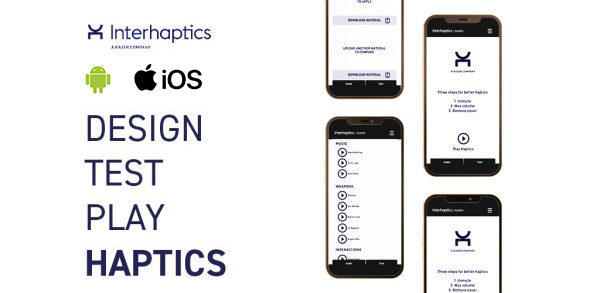
The Haptics Player is an extension app for the designer -Haptic Composer, allowing developers to instantly test the haptic feedback, supporting iOS and Android smartphones. Upload haptic effects, test the effects, and compare them to produce the best haptic experience for the game.


One core for all haptics devices.
Haptic devices have different capabilities and unique development systems. Creating a haptic effect fitting a particular device is verticalized for that device, ramping up developing time and cost but not anymore! Haptics SDK is a centralized system for major platforms containing haptic capabilities. With Haptics SDK developers can create haptic feedback once and deploy it on every platform. One core for smartphones – iOS & Android, Console – PlayStation®5, XR – Meta Quest, OpenXR and PC.




"PlayStation Family Mark", "PlayStation", "PS5 logo", "PS4 logo", "DualSense" and "DUALSHOCK" are registered trademarks or trademarks of Sony Interactive Entertainment Inc.